
Rooster Rivals Farm Building Guide: Edit Your Farm and Separate Roosters
Rearrange your farm with EDIT PLOT, place purchases from Storage, and give each rooster a separate enclosure with its own food and water.
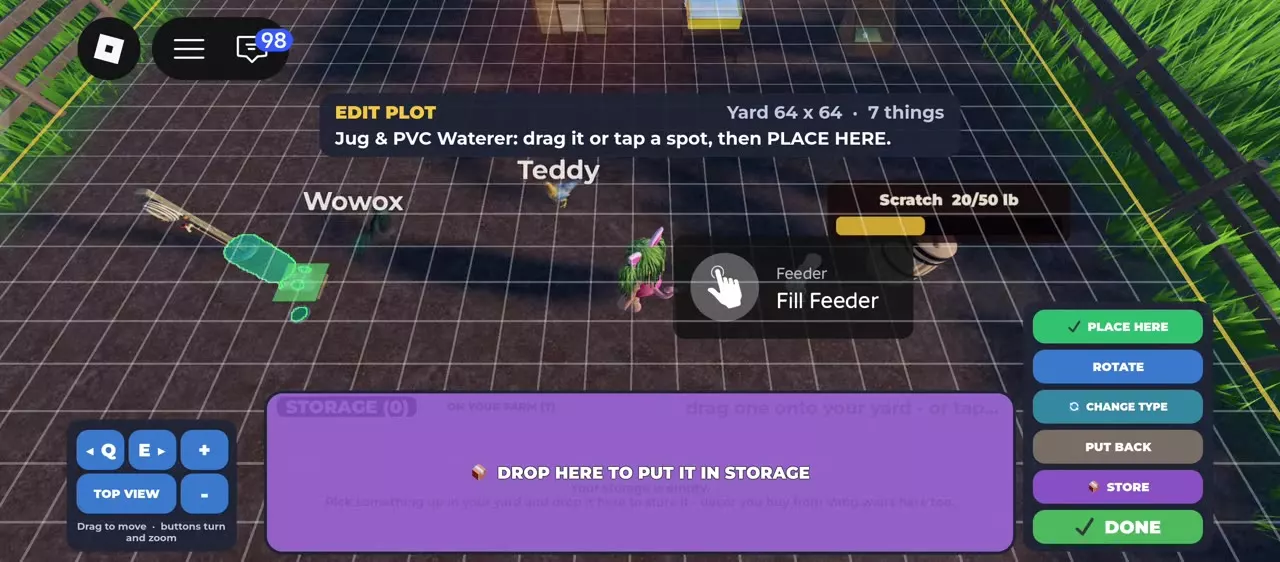
On your farm, open EDIT PLOT, select an item, drag it or tap its destination, then confirm with PLACE HERE. Use ROTATE to change its direction and DONE to exit. STORE puts items away; SELL sells one item, while SELL ALL sells a selected stack of identical items. Keep roosters in separate pens or cages, and place extra feeders and waterers in each pen. A standard Cage holds two chickens, but two roosters inside it fight.
Edit Plot controls
Open EDIT PLOT while on your own farm to display the yard grid. You can move items already in the yard or place items from Storage. Keep placed items inside the farm fence.
- Select the item you want to move.
- Drag it or tap the desired destination.
- Use ROTATE to change the item's direction.
- Select PLACE HERE to confirm. Placed! confirms a successful placement.
- Select DONE when you finish editing.
Use PUT BACK to return a selected yard item instead of confirming its new position. When placing an item from Storage, CANCEL is available.
Adjust the view
| Action | Control |
|---|---|
| Pan | Drag the view |
| Turn the view | Q / E or turn buttons |
| Zoom | + / − |
| Look from above | TOP VIEW |
Turning the view changes your viewing angle; ROTATE changes the selected item's direction. Use TOP VIEW when aligning boundaries or fitting equipment into a pen.
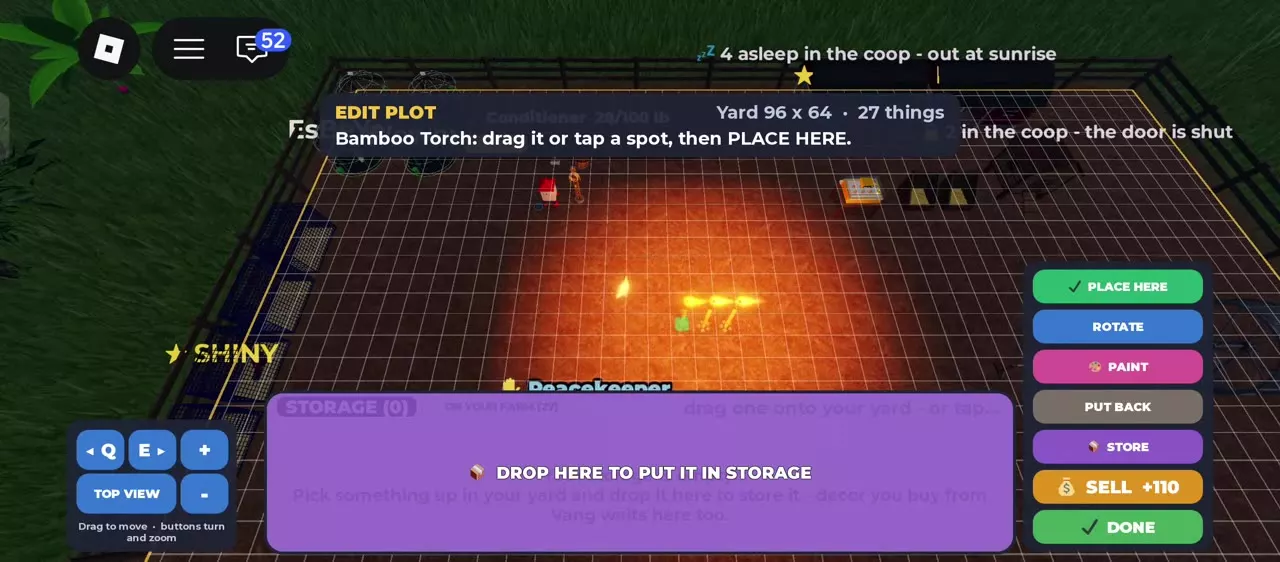
Some items have additional controls. Bamboo Torch offers PAINT, while feeder and waterer editing menus offer CHANGE TYPE.
Buy and place decorations
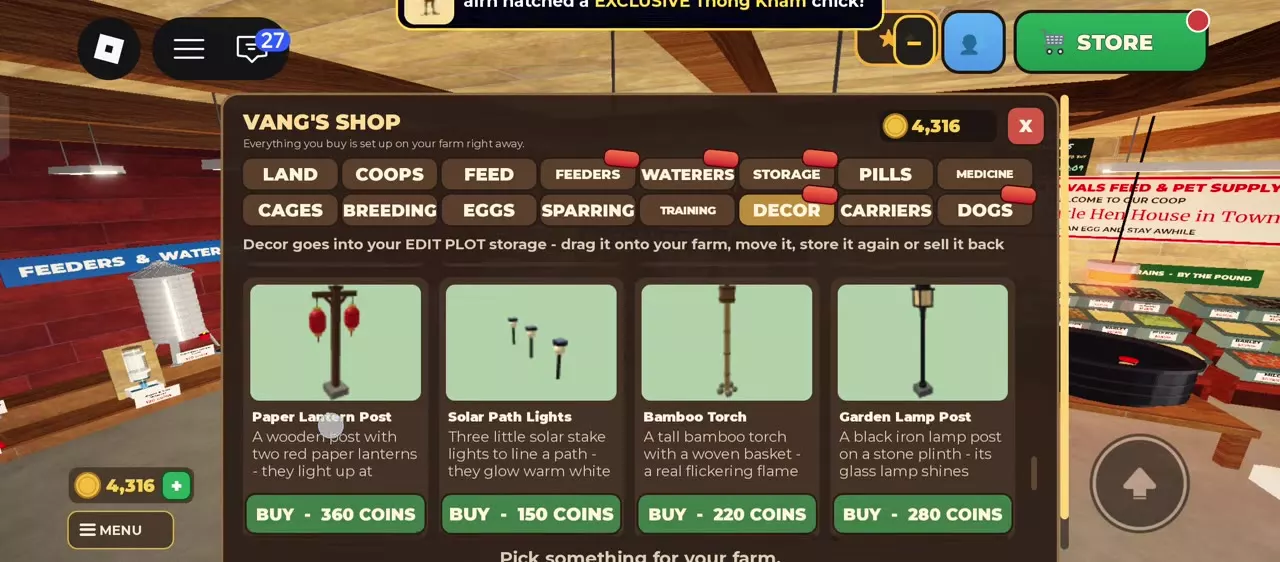
Decorations bought from Vang go into EDIT PLOT Storage before you place them.
- Talk to Vang, choose SHOP, and open DECOR.
- Select BUY on the decoration you want. Have enough Coins for each copy.
- Return to your farm and open EDIT PLOT.
- Select the purchase in Storage or drag it onto the yard.
- Choose its position, rotate it as needed, and select PLACE HERE.
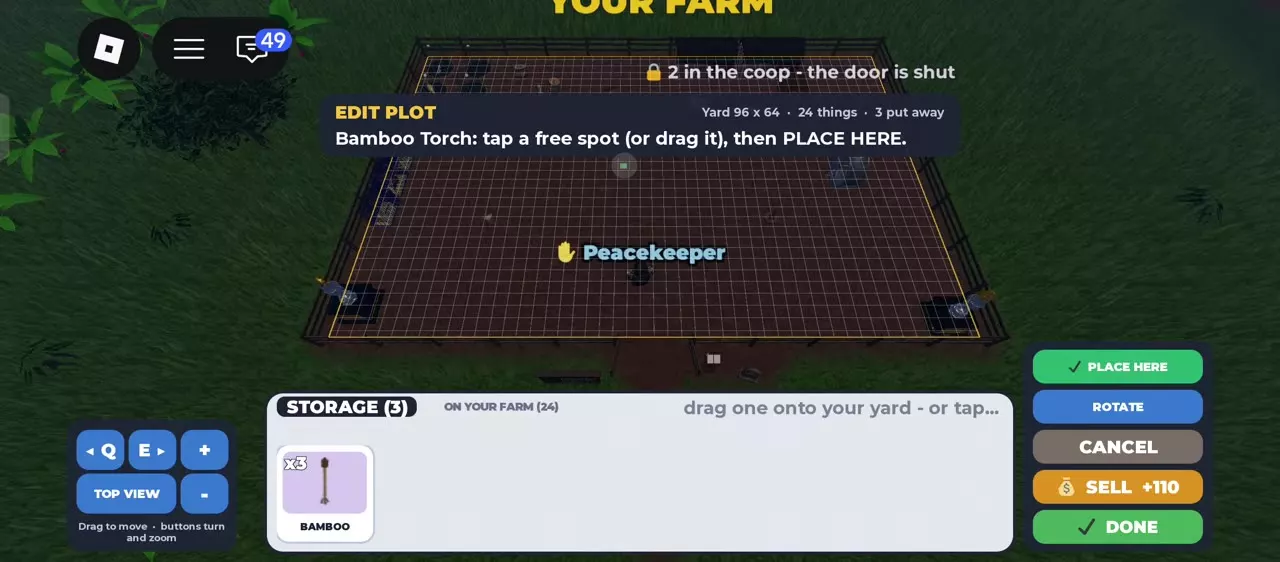
Bamboo Torch costs 220 Coins per copy. Three torches cost 660 Coins and can be placed separately. Decoration placement continues after placing one copy, which helps when laying out several fence sections.
Use the FLOORS tab to buy floor tiles.
Choose decorations for their effect
- Night lighting: Solar Path Lights, Bamboo Torch, Garden Lamp Post, String Lights and Lantern Arch glow after dark.
- Thailand animations: Long-tail Boat and Pad Thai Street Cart are animated farm decorations.
- Spain animations: Olive Oil Mill and Village Clock Tower are animated decorations. Village Clock Tower follows real Spain time and lights up at night.
Store, retrieve and sell items
Storage has no item-count limit. Identical items stack together, with labels such as x2 or x5 showing how many copies you have.
Put an item away or retrieve it
- Store: In EDIT PLOT, select a yard item and choose STORE, or drag it into the lower Storage tray.
- Retrieve: Select a stored item or drag it onto the yard, choose its position, and confirm with PLACE HERE.
Store decorations you want to reuse later. Selling exchanges the selected item or stack for Coins.
Sell one item or a stack
To sell one item, select it and use its displayed SELL option. To sell multiple identical items, select their stored stack and use SELL ALL. SELL ALL applies to that same-item stack.
The individual SELL option returns 110 Coins for Bamboo Torch and 750 Coins for Wooden Doghouse. Read the selected item's displayed sale amount before selling.
Separate rooster pens
Keep roosters in different fenced pens or different cages to prevent them from fighting each other. Leave enough yard space for each enclosure and its supply equipment.
Build fenced pens
- Buy boundary sections from Vang's DECOR shop.
- Open EDIT PLOT and place the sections to form separate enclosures. Use repeated placement for fence lines, then rotate or move sections to fit.
- Place an extra feeder and extra waterer in each pen so the chickens have food and water within their enclosure.
- Keep each rooster in a different pen.
All three boundary choices below have 8-stud sections. White Picket Fence is the cheapest choice for building the same length of boundary. Choose Bamboo Fence or Thai Temple Wall when their appearance fits your farm and you have the extra budget.
Extra Tube Feeder and Extra Jug & PVC Waterer each cost 120 Coins. Look under EXTRA in Vang's FEEDERS and WATERERS lists for separately placed equipment. For filling and automatic supply controls, use the feeding and watering guide.
Use separate cages
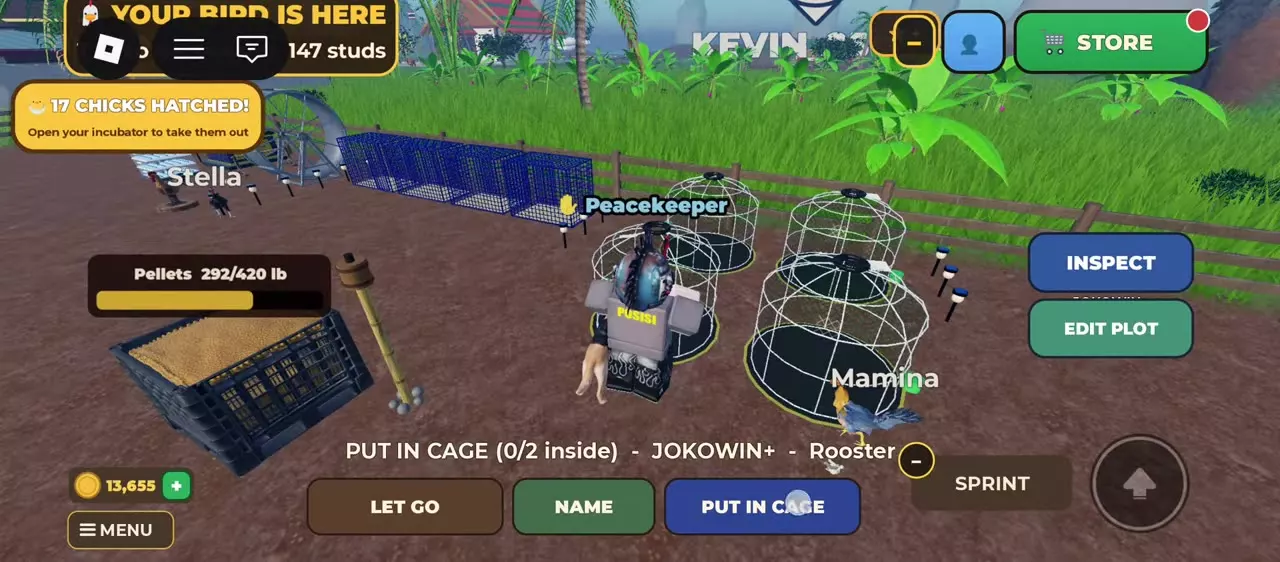
A standard Cage holds two chickens. One rooster and one hen can share it; two roosters in the same cage fight. You can buy as many cages as fit in your yard.
- Pick up the chicken and carry it to a cage with an empty place.
- Select PUT IN CAGE.
- Use TAKE OUT when you want to remove a chicken. If two chickens are inside, choose which one to take out.
Training cages and Breeding Coops also provide separation, alongside their own training and pairing functions. For an active fight, follow the chicken controls and fight response guide.
3 objects
| Name | Price | Section length |
|---|---|---|
White Picket Fence |
100 Coins
| 8 studs
|
Bamboo Fence |
140 Coins
| 8 studs
|
Thai Temple Wall |
180 Coins
| 8 studs
|
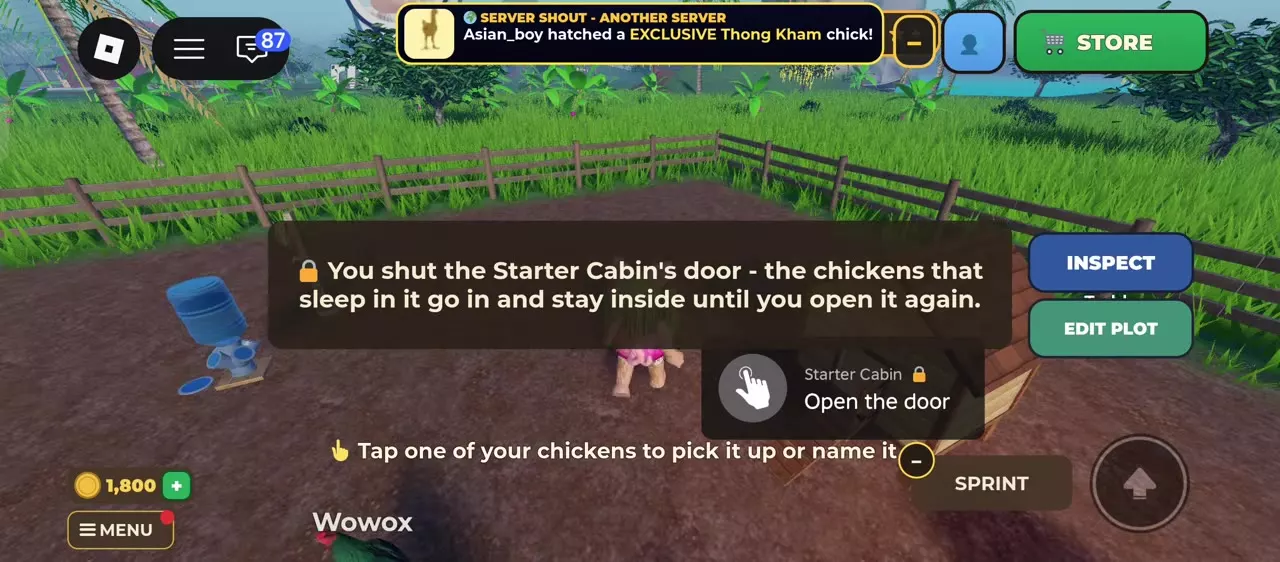
Starter Cabin doors
Approach the Starter Cabin and use Shut the door to close it. The chickens that sleep in that cabin go inside and stay there until you reopen the door.
Use Open the door to restore free entry and exit. Chickens still enter the cabin to sleep at night while its door is open.
Building catalog and capacity
- Farm land, housing and decorations: Browse the full building catalog and compare prices, boundary lengths and housing uses.
- Increase farm capacity: Resolve a full farm by identifying whether land or coop capacity is the limiting factor.
- Night raids and stolen chicken recovery: Prepare for raids and recover a bird taken from your farm.